Coming soon
Delivery operations run on timing and visibility. Give your team both.
Ophyra logistics and delivery module is currently in development, bringing dispatch, order fulfillment, delivery tracking and team coordination into one operational workspace.
Coming soon
Explore the platform
When dispatch runs through WhatsApp, the operation runs blind.
The businesses that grow with Ophyra usually do not lack effort. They lack one reliable place where the important work can be seen, followed and improved.
- Dispatch happens over messages with no shared status record.
- Drivers have the order while the office has a spreadsheet, and they are not always the same version.
- Customers call for delivery updates because no tracking visibility exists.
Disconnected logistics operations create delays that compound.
Manual work feels cheap until it starts charging the business in delays, repeated questions, lost context and owner fatigue.
- Customers call for updates because delivery status is unclear.
- Teams duplicate coordination because assignments live in messages.
- Owners discover inventory problems after the damage is already done.
When Ophyra Logistics launches, it will bring the full operation into one place.
Dispatch, delivery status, inventory movement and team coordination will live inside the same workspace where client records and contracts already live.
Give teams a shared record instead of scattered messages.
Prepare delivery visibility for customers and admins.
Activate logistics modules inside the same account when they launch.
Start centralizing your business today.
Move clients, work, orders, reports and execution into one operating rhythm, then add the modules your business actually needs.
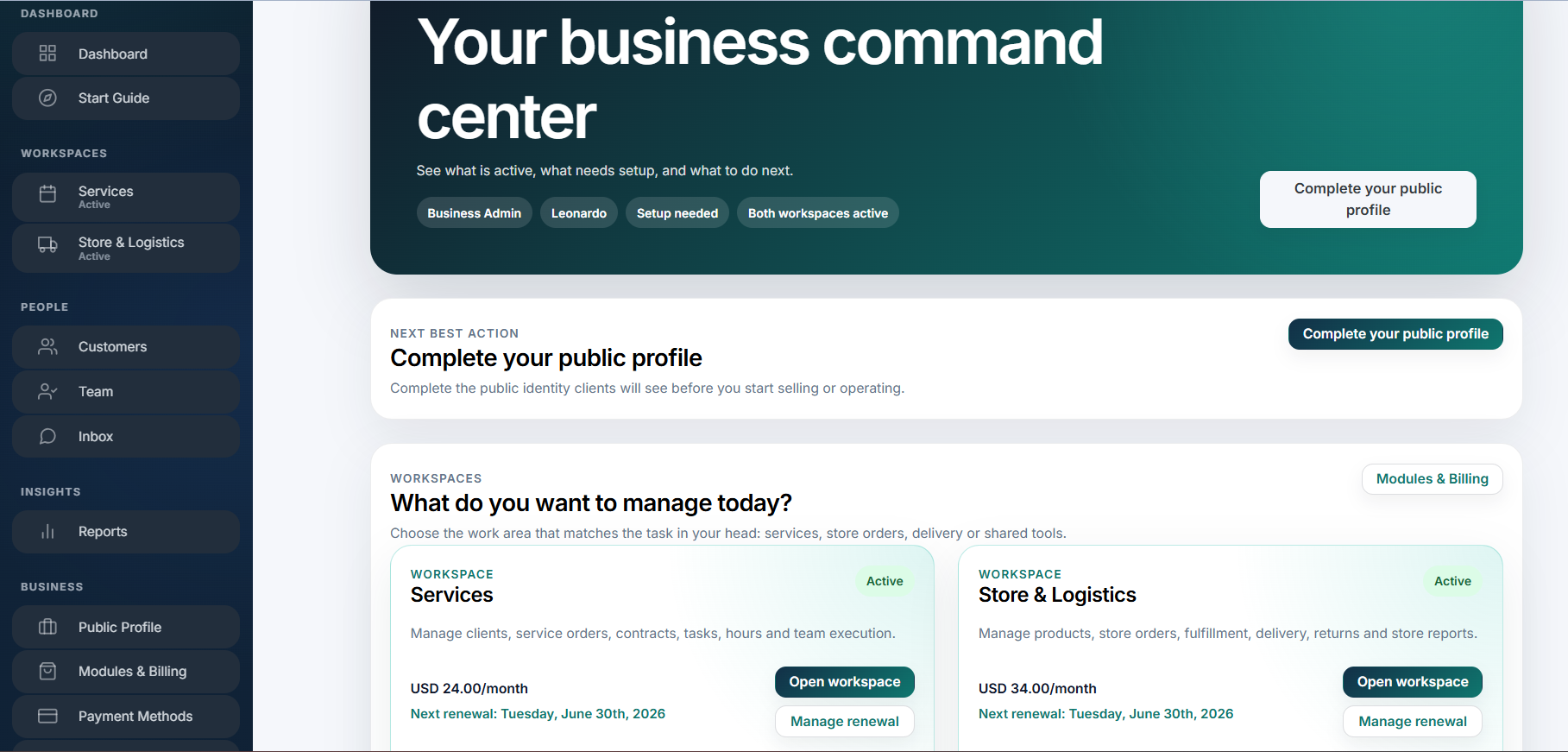
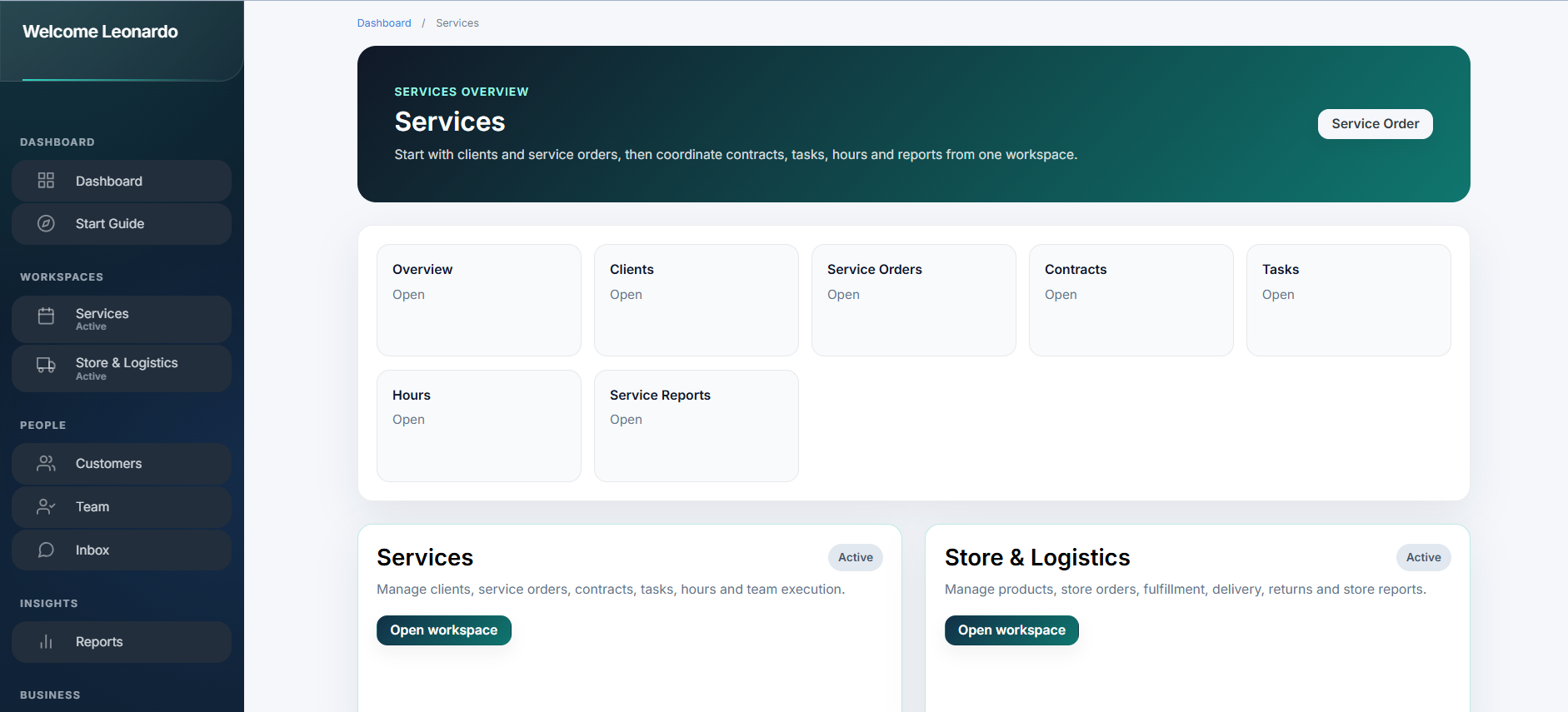
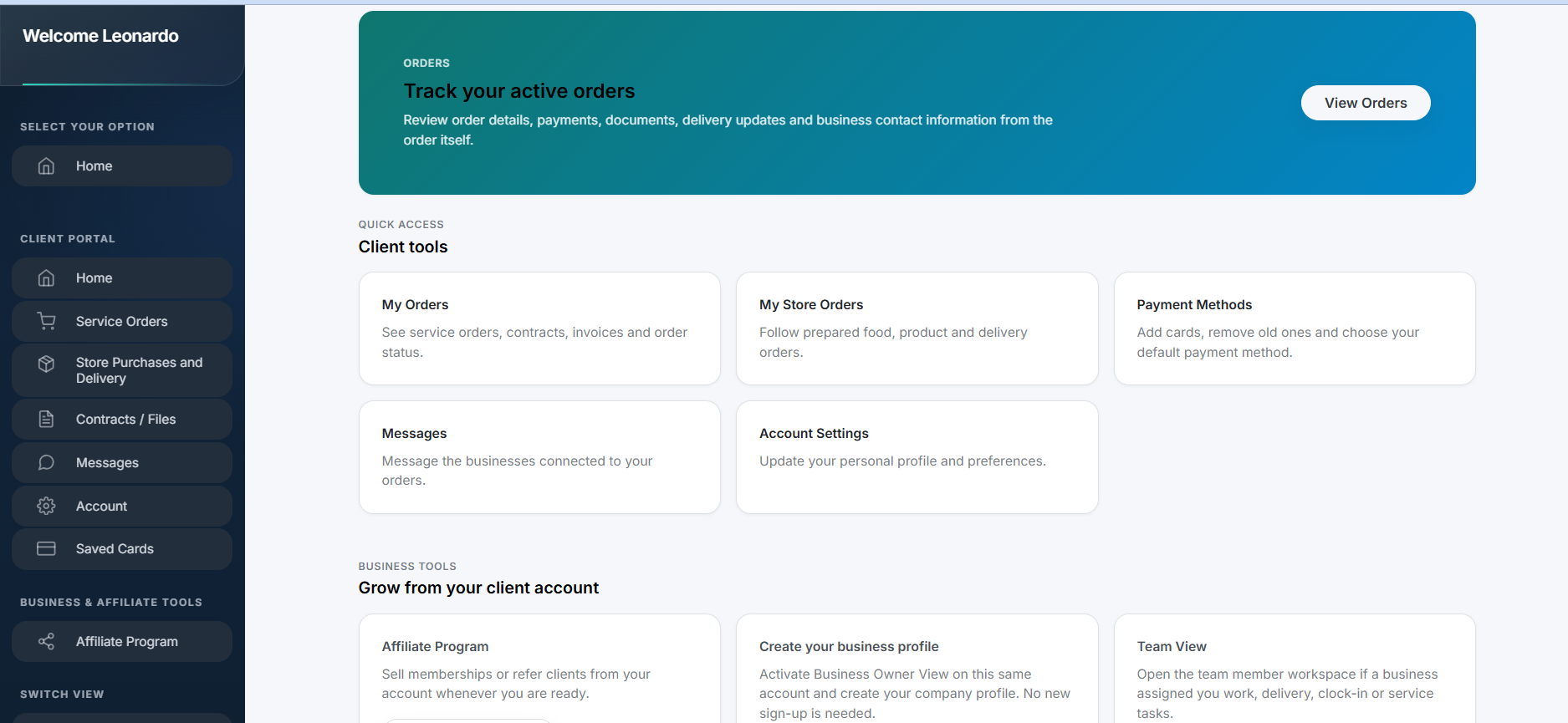
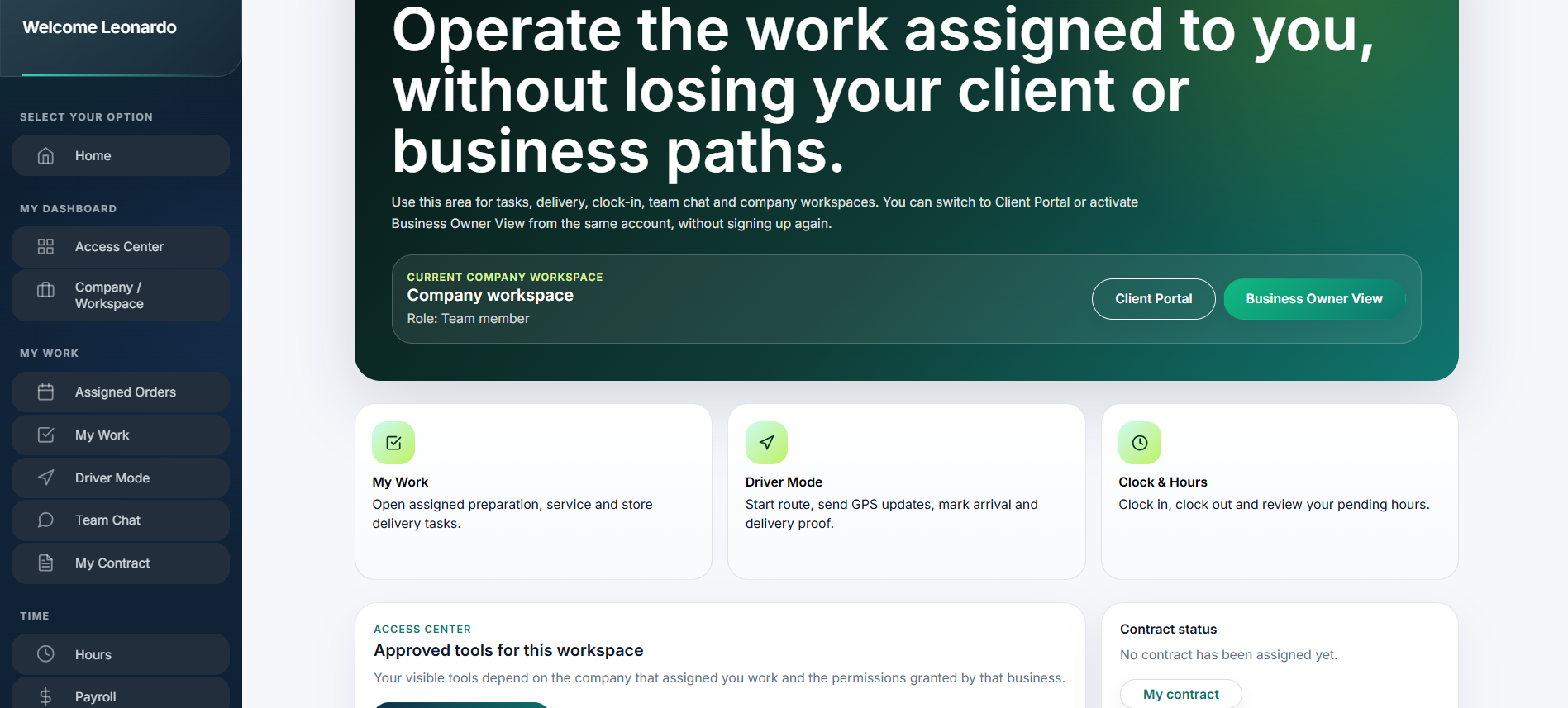
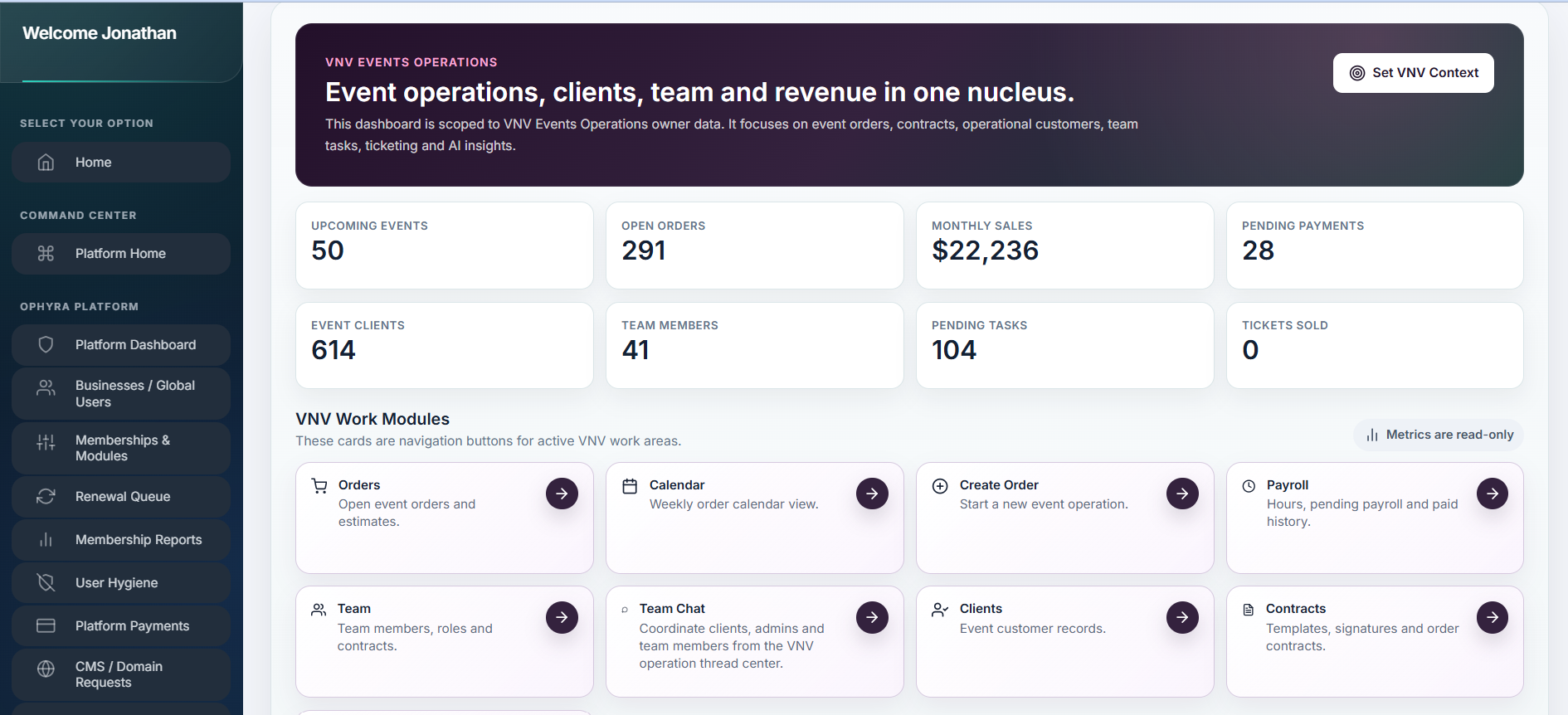
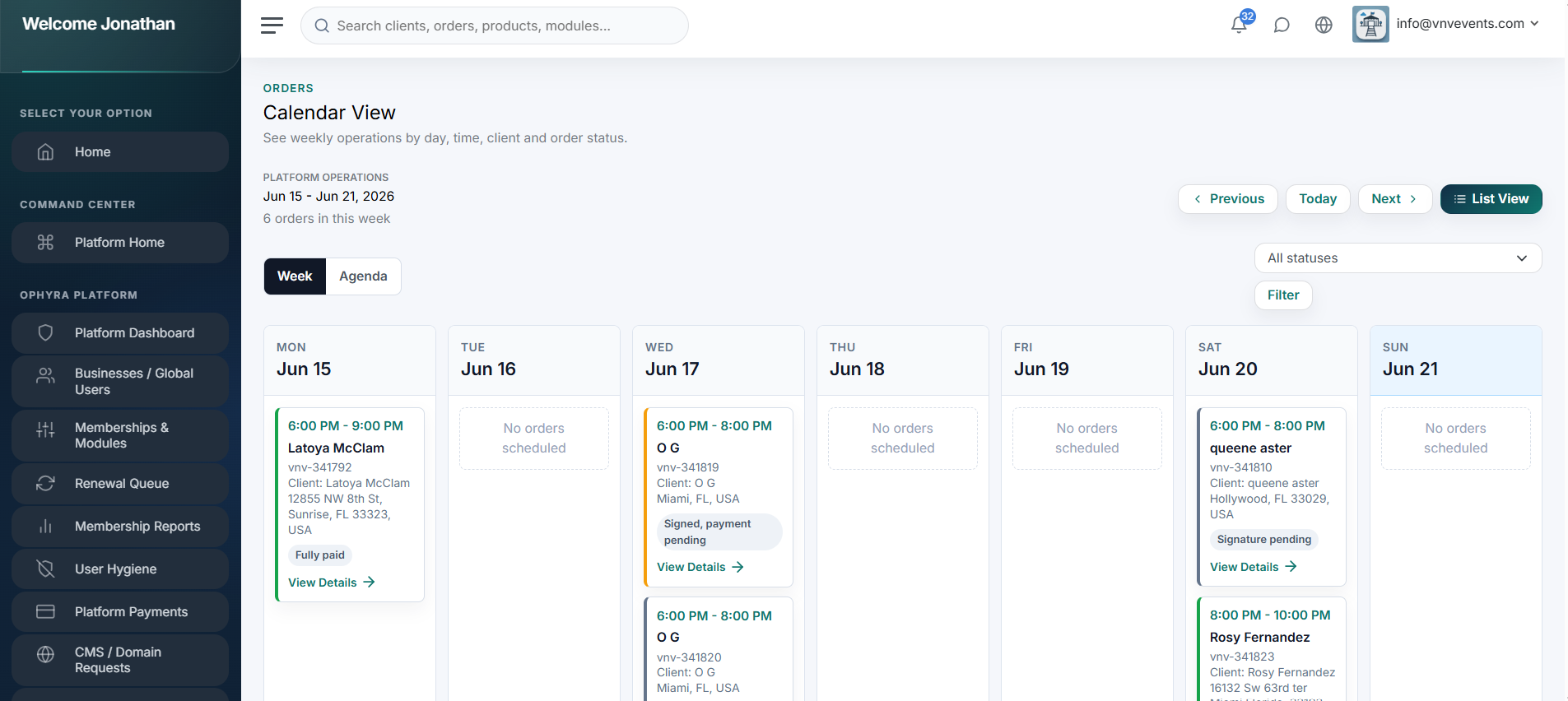
Swipe or scroll horizontally to preview more workspace screens.
Who this is ideal for
Delivery teams that need shared operational status.
Businesses coordinating drivers, orders and customer updates.
Owners preparing for more reliable logistics visibility.
How teams use it
Coordinate dispatch and delivery routes.
Track delivery status and customer updates.
Connect inventory movement to fulfillment work.
Questions business owners ask
Is the logistics module live now?
It is currently coming soon while Ophyra focuses on service operations first.
Can logistics be added later?
Yes. Logistics modules will activate inside the same Ophyra account when available.
Make registration the next operational step.
Start with the Ophyra web signup, create the business workspace, and add paid modules only when the operation needs them. No mobile app signup is required for Ophyra commercial registration.